Crop & Bleed in Digital Printing: A Guide
What is Bleed?
Bleed is excess color or image that trims off to create a seamless full color graphic from edge to edge. So the image is bleeding off the edge of the design.
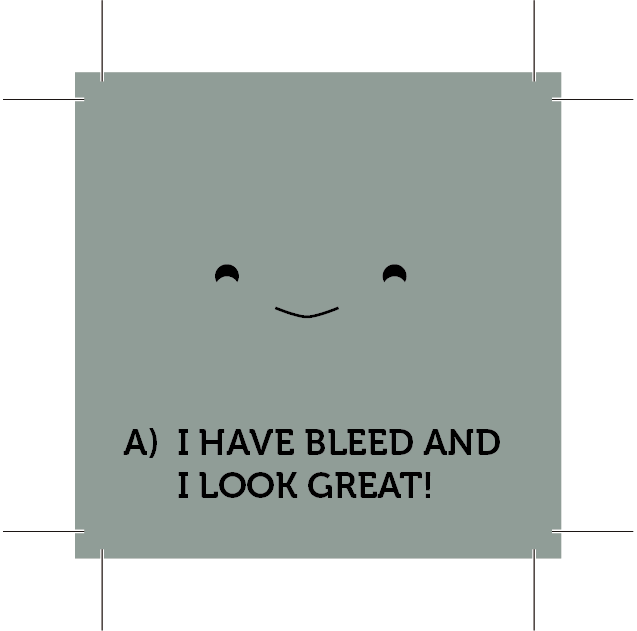
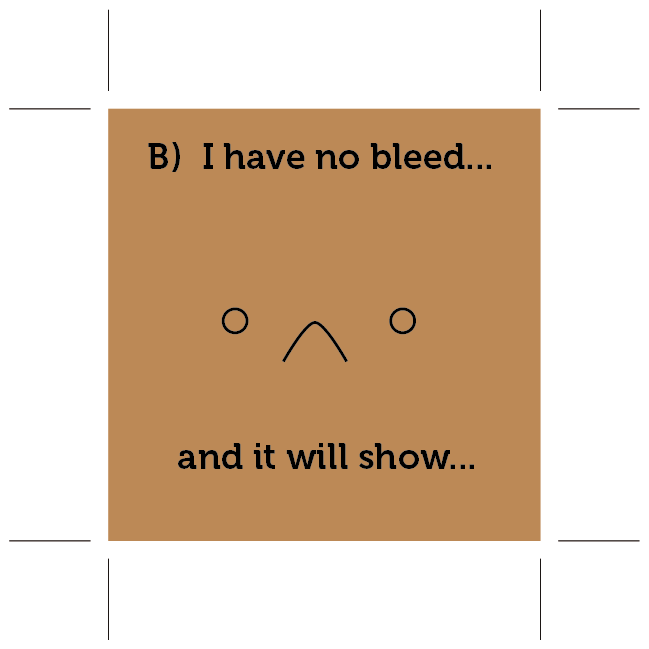
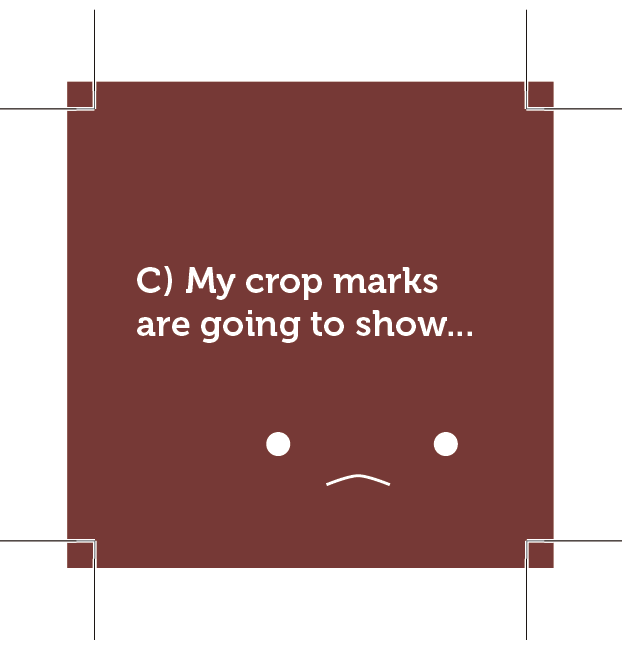
Making sure your background image extends at least .25” (.125” on each side!) will ensure there are no unintentional white edges on your project!
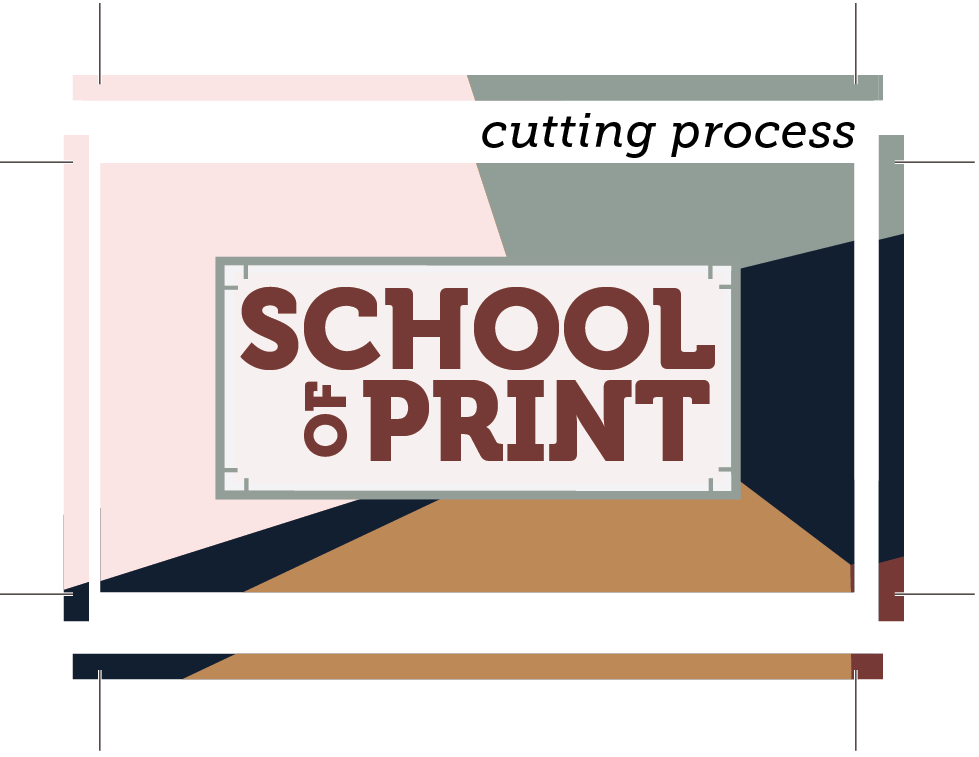
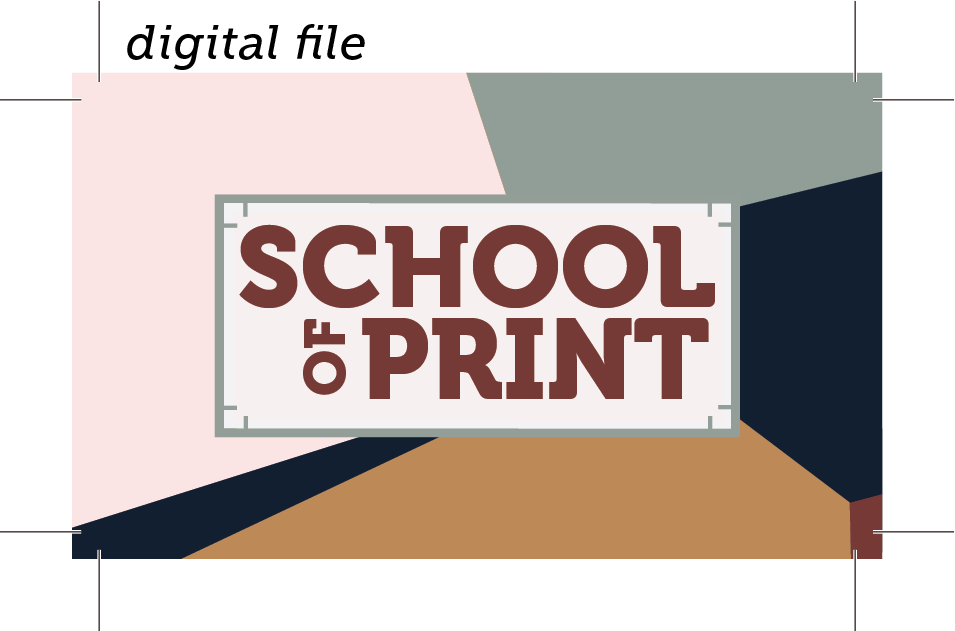
Keep your text and important images above this line! (adding AT LEAST a .125 margin)
Pro Tip for non-vector programs: Standard business card size is 3.5x2 When setting up your file, make your canvas 3.75x2.25 but keep your font sized and placed for the standard card size. This should help you make sure nothing important gets cut off! This trick works for other sized projects as well!
If you don’t have bleed on your image, that means you only included your image up to where you expect your project to be cut down to.